
Capital introducers and corporate finance
Give capital sources and opportunities a controlled place to engage under agreed terms.
Introduce capital to an opportunity with agreements, permissions and disclosure staged in the right order.
The scenario
An introducer connects a company seeking funding with an investor. Materials must be released in stages, and the introducer's fee arrangement depends on the process being followed.
Where it goes wrong today
The usual channels weren't built for this.
Before a dedicated room, these are the failure points most transactions run into.
- Investor materials circulate before terms are agreed.
- The company and investor connect directly before the fee agreement is signed.
- Questions and responses are lost across email.
- There is no record of who accessed the information memorandum.
How it runs in DealRoom
Four steps from introduction to a working room.
- 1
Set the terms first
Require the NDA or fee agreement before materials unlock.
- 2
Identify participants
Company, Investor, Introducer and advisers, each aliased.
- 3
Stage disclosure
Release the deck, model and diligence pack progressively.
- 4
Track engagement
Questions, proof-of-funds requests and actions in one place.
What's included
Built for this kind of transaction.
- NDA and permission gates
- Investor materials
- Questions and responses
- Proof-of-funds requests
- Controlled disclosure
- Progress and actions
Who's in the room
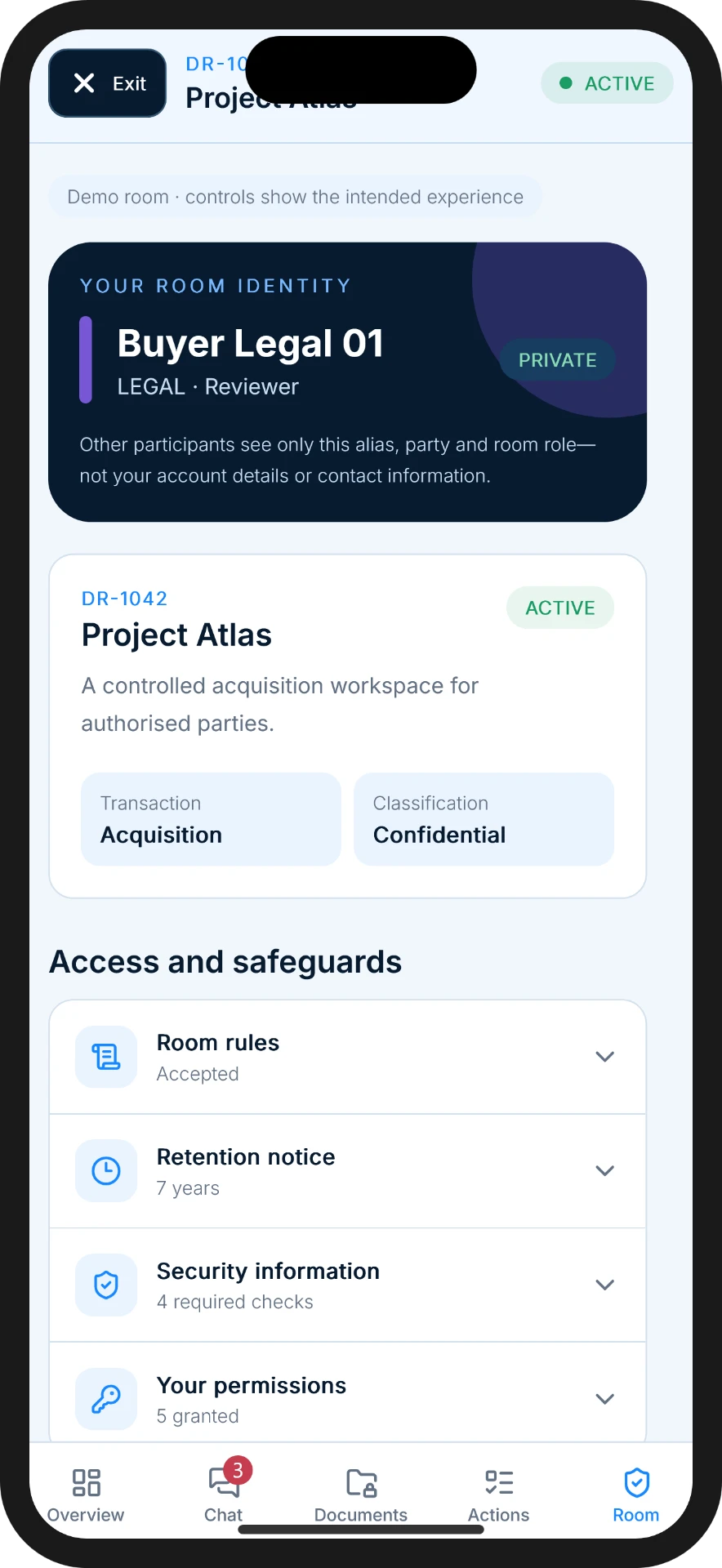
Each side gets a custom alias, a colour and a tag — never a phone number.
You set the aliases yourself and tag each participant by the side they sit on, so everyone can tell who is who at a glance while personal contact details stay with you.
Questions
Frequently asked
DealRoom is communication and workflow software. It does not arrange, promote, advise on or execute investments. Users are responsible for meeting applicable regulatory requirements.
Open the conversation. Keep control of the introduction.
Bring every authorised party into one professional transaction environment without exposing private contact details or creating hidden in-app side channels.
Submitting this form does not create a DealRoom account. Accounts are created securely inside the mobile app.